Free AI Tools vs Paid: What’s Worth Paying For
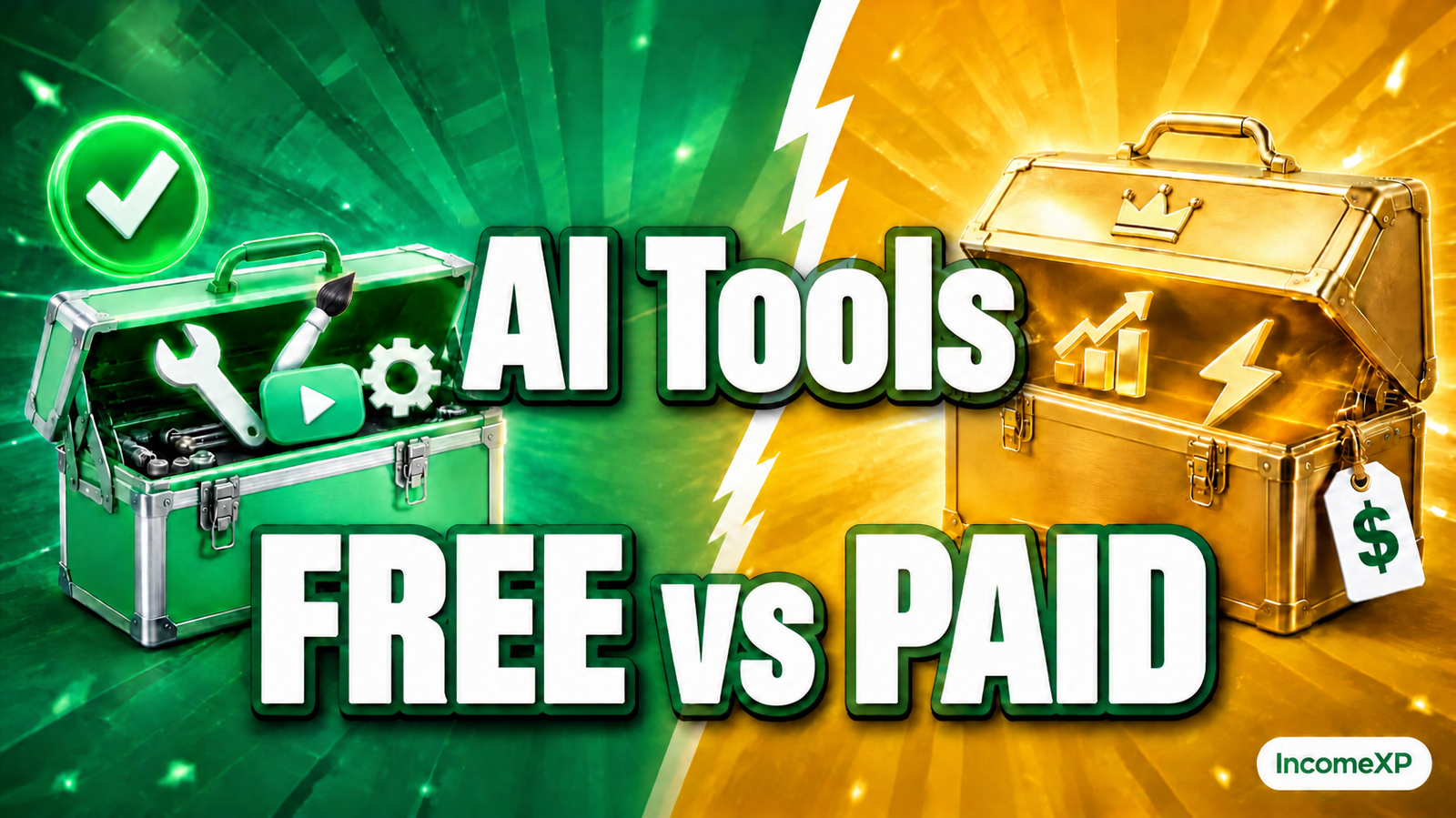
Free AI tools vs paid ones: start free, and pay only when a free limit blocks work you already do regularly. For most beginners, the free tier covers everything needed to learn the workflow and earn a first income. Paid plans mostly buy more output, longer documents, and fewer interruptions — valuable once you are busy, pointless before you are. Let the work outgrow the free plan, not the other way around.What free tiers actually give you
Free AI tools are not demos — most give you a genuinely useful service, with limits on how much you can do:
- Writing assistants (ChatGPT, Claude, Google Gemini) — free tiers handle everyday drafts — emails, social posts, outlines, short articles — with limits on daily messages and reply length.
- Image tools (Canva’s AI features, Microsoft Designer) — free plans include basic image generation and editing, usually with a monthly cap.
- Meeting note-takers (Otter.ai, Fireflies) — free plans transcribe a limited number of minutes per month — often enough for a freelancer with a few calls a week.
- Video and voice tools — free tiers usually allow short clips or a few minutes of audio — enough to test the format.
While you are still learning a tool, the free tier is the right place to be — it teaches the habit without a monthly bill for one you have not formed yet.
What paid plans actually add
Paying typically buys four things — ask which you actually need:
- More output. Higher limits and longer documents — matters when you hit the free cap mid-task, several times a week.
- Speed and priority. Faster replies during busy hours — matters when a client is waiting and the free tier makes you queue.
- Better models and features. Newer models, file uploads, longer memory — matters when the free model’s answers are too weak for your task.
- Commercial extras. Higher-quality exports, no watermarks, team seats — matters when you sell the output and a watermark would embarrass you.
Paid plans do not make you a better writer or freelancer. They remove friction — and if there is no friction yet, there is nothing to pay for.
The three-question test before you pay
Before any subscription, answer these three questions honestly:
- Have I hit the free limit this week? If the free tier has never stopped you, you do not need the paid one yet.
- Is this tool earning me money? If it helps you finish client work or sell a product, paying is a business cost. If it only helps you plan, keep it free.
- Will I use it at least three times a week? A tool you open once a month is not worth a monthly fee, however good it is.
Three yeses means upgrade. Any no means wait a month and ask again.
Tool by tool: where free is enough, and where paid helps
Writing and drafting
Free is enough when starting out — ChatGPT, Claude, and Gemini handle drafts, rewrites, and brainstorming well. Pay when you write daily and the free limit keeps cutting you off. Typical paid plans run about $20 a month.
Images and design
Free is enough for social posts and simple graphics. Pay when you need background removal, brand kits, or high-resolution exports for clients. Typical paid plans run about $10 to $15 a month.
Meeting notes and transcription
Free is enough for a handful of calls a month. Pay when daily meetings burn through the free minutes before the month ends. Typical paid plans run about $10 to $20 a month per user.
Video and audio
Free is enough to test the format and make short clips. Pay when you publish regularly and need longer exports, no watermarks, or faster rendering. Typical paid plans run about $15 to $30 a month.
All-in-one suites
Some tools bundle writing, images, and more into one subscription — good value only if you use most of it. One tool you use daily beats a bundle where you use one feature and ignore the rest.
How much to budget
A realistic budget for AI tools, once you are earning:
- Starting out: $0 — free tiers only. Learn the tools, earn the first income, then spend.
- Earning regularly: one paid tool, about $10 to $30 a month — the one that saves the most time on paying work.
- Busy freelancer: two or three paid tools, about $30 to $60 a month total — only when the first clearly pays for itself.
Set a hard cap — say, no more than $50 a month until your side income passes $500 a month — and review subscriptions every three months, cancelling anything unopened in the last month.
Traps to avoid
- Paying for five tools at once. Every new tool feels essential on sign-up day — start with one and prove it earns its keep before adding another.
- Annual plans too early. A yearly plan looks cheaper, but it locks you in before you know the tool fits. Pay monthly for three months first.
- Paying to feel productive. A subscription is not progress — if you have not used the tool in two weeks, cancel it.
- Chasing the newest model. A pricier tier rarely changes everyday results — last year’s free model still writes a decent first draft.
- Forgetting the free trial clock. Trials convert automatically — set a reminder for the day before it ends, and decide then, not after the first charge.
FAQ
Are free AI tools good enough for real work?
Yes, for most everyday work. Free tiers handle drafts, social posts, and meeting notes well. Their limits — message caps, shorter outputs, watermarks — only become a problem once you do that work daily for paying clients.
Which paid AI tool should I buy first?
The one you already use for free and keep hitting the limits of. If you have never hit a free limit, you are not ready to pay yet. When you do upgrade, start with the tool most tied to work that earns you money.
Do paid AI tools give better results than free ones?
Sometimes, but the difference is smaller than the marketing suggests. Paid tiers unlock a newer model and higher limits, which helps with long or complex tasks. For short everyday drafts, the free model is usually close enough — your prompt and your edit matter far more than the tier.
How do I stop AI subscriptions from piling up?
Keep a simple list: tool name, monthly cost, last date used. Review it monthly and cancel anything unused for 30 days. Set a total cap — such as $50 a month — and do not add a subscription without cancelling another first.
IncomeXP publishes practical, hype-free guides to earning more — no promises, just information you can use.
Share this post