AI Tools That Take Meeting Notes for You
AI tools that take meeting notes listen to a call, write down what was said, and hand you a short summary with the action items — so you can actually pay attention instead of typing the whole time. If you take client calls, run discovery calls, or sit in on planning meetings for your side hustle, a meeting notes tool can save you the half hour after every call that used to go to writing everything up. It will not replace your judgement, but it does replace the notebook.
How AI Tools That Take Meeting Notes Actually Work
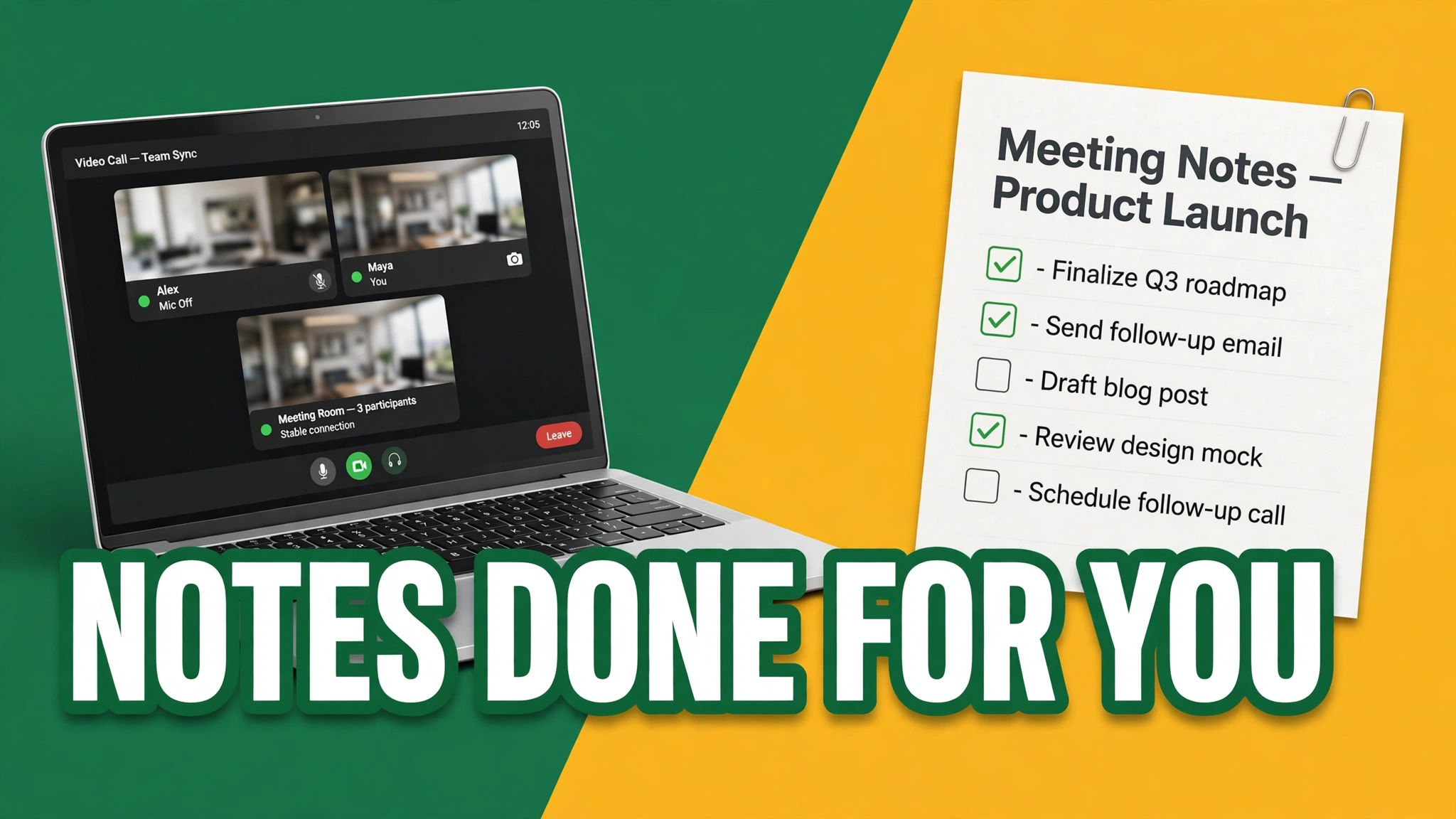
Most of these tools work the same way. You invite a small bot to the meeting, or you connect the tool to your calendar, and it records the audio. When the call ends, it turns the recording into a written transcript, then an AI summary pulls out the decisions, the deadlines, and who agreed to do what. You get a page you can skim in two minutes instead of a recording you will never re-listen to.
The summary is usually the most useful part. A 60-minute call becomes a few paragraphs, a list of action items with names attached, and sometimes a list of open questions. Some tools also let you ask the notes a question afterwards — “What did we agree about the price?” — and get an answer with a link back to that part of the call.
Accuracy is good but not perfect. Names, numbers, and unusual words get misheard, especially on a bad connection or when two people talk over each other. Treat the notes as a strong first draft: skim them after the call, fix anything that matters, and send the corrected version to the client. Never forward raw AI notes to a client without reading them first.
What They Cost
Most meeting notes tools follow the same pricing shape. There is a free tier with a limited number of minutes or meetings a month, and a paid plan that usually runs around $10 to $20 per user per month for unlimited or generous recording. For a side hustler with a handful of client calls a week, the free tier often covers the first month or two, and the paid plan is worth it only once the calls are regular.
A few tools you will see named often: Otter.ai, which is popular for live transcripts and has a free plan; Fireflies.ai, which joins meetings as a bot and sends summaries to your inbox; and the built-in options — Zoom’s AI Companion, Google Meet’s notes feature, and Microsoft Teams’ intelligent recap — which are convenient if you already use those platforms, though some are only on paid plans. You do not need to try them all. Pick one that works with the meeting platform you already use.
What to Watch Out For
Meeting notes tools record real conversations, so there are two things to get right before your first call.
Tell people they are being recorded. Most tools announce the bot when it joins, but say it yourself at the start of the call: “I use a notes tool that records so I can focus on our conversation — is that all right?” Almost everyone says yes, and asking is both polite and, in many places, required. Never record a call without the other person knowing.
Know where the recording lives. The audio and transcript are stored on the tool’s servers, and some tools use recordings to improve their product unless you opt out. If you discuss client prices, private business details, or anything sensitive, check the tool’s privacy settings first, and delete recordings you no longer need. For most side-hustle calls this is simple housekeeping, not a reason to avoid the tool.
How to Use Them for a Side Hustle
The biggest win is not the transcript — it is what you do with it in the five minutes after the call. Try this routine:
- Skim the summary before you do anything else. Fix any wrong names, dates, or prices while the call is fresh.
- Copy the action items into your task list. If the notes say you owe the client a quote by Thursday, that belongs in your planner, not buried in a document.
- Send the client a short recap. Two or three lines — what was agreed, what happens next, and by when. Clients love this, and it protects you if memories differ later.
- File the notes with the client, not in a pile. One folder or one document per client keeps every call findable when the project drags on for weeks.
Used this way, a notes tool does more than save typing. It makes you look organised, it stops details slipping through the cracks, and it gives you a paper trail if a client ever says “I thought we agreed on something else.”
A Realistic First Month
In your first month, expect to use the tool on every client call and a few practice ones. The first two or three summaries will need heavy checking — you are learning what the tool gets wrong and how much to trust it. By the fourth week, checking takes about five minutes per call, and the habit of sending a quick recap after every meeting is starting to pay off in fewer follow-up questions from clients.
Realistic savings for a side hustler are modest but real: about 20 to 30 minutes saved per call, and fewer “what did we decide?” messages afterwards. If you take two or three client calls a week, that is roughly two hours a month back — enough to take on one more small job, or simply to stop working after the call ends.
FAQ
Do AI meeting notes tools work on any video call?
Most work with Zoom, Google Meet, and Microsoft Teams, either through a bot that joins the meeting or a built-in feature. A few also record in-person meetings from your phone, though accuracy drops with background noise. Check your platform before signing up.
Is it legal to record a meeting with an AI tool?
In most places you need the other people on the call to know they are being recorded, and in some places you need their agreement. Always announce the recording at the start of the call and do not use it if someone objects.
Can I use a free plan for client work?
Yes, for light use. Free plans usually limit the number of minutes or meetings a month, and sometimes limit how long you can keep recordings. If you take client calls most weeks, the free tier will run out — that is the point at which a paid plan is worth considering.
Will the notes replace me taking any notes at all?
Not quite. Keep a pen handy for your own thoughts — the idea you had mid-call, the thing you want to raise next time. The AI records what was said; it cannot record what you were thinking.
IncomeXP publishes practical, hype-free guides to earning more — no promises, just information you can use.