Build a One-Page Portfolio in a Single Weekend
You do not need a fancy website to start freelancing. You need one page that answers three questions: who you are, what you can do, and how to contact you. Everything else is decoration. This weekend project takes you from nothing to a live one-page portfolio in two afternoons, even if you have never built a website before.
Why one page is enough
Beginners stall on portfolios because they imagine they need a whole website. They don’t. Clients deciding whether to hire you will spend about thirty seconds on your page, and they will look for exactly three things: proof you can do the work, clarity about what you offer, and an easy way to reach you. A single long page delivers all three without menus, blog posts, or an “about the company” page nobody reads.
One page also has a practical advantage: you can build it in hours, not weeks. Done beats perfect, and a live simple page beats a half-finished impressive one sitting in your drafts.
The six sections your page needs
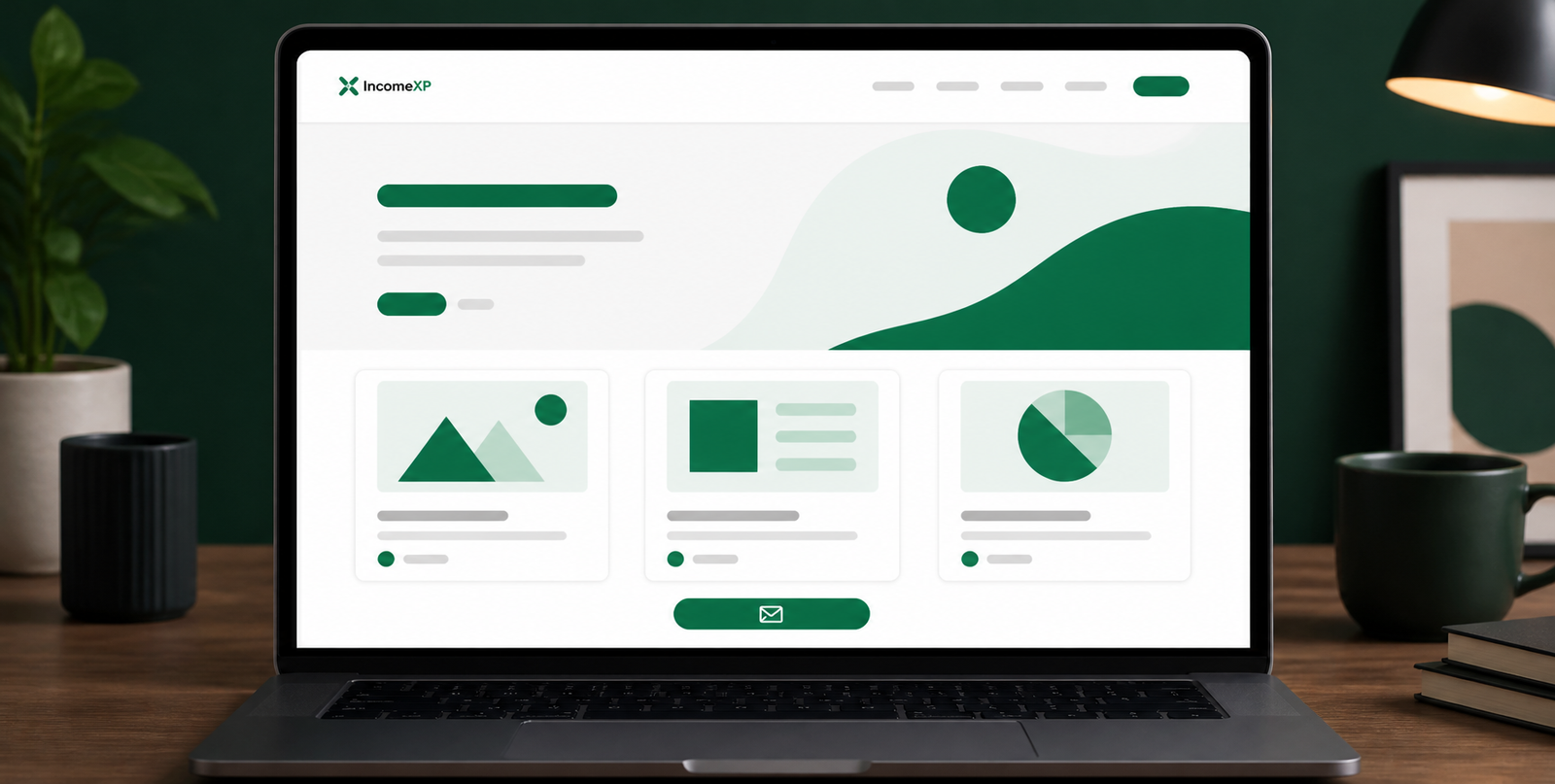
Structure your page top to bottom in this order. Each section is short — a few lines, not paragraphs.
1. A clear headline
The first thing a visitor sees should say who you help and what you do. Skip clever taglines. Write it like this: “I write product descriptions that turn browsers into buyers” or “Virtual assistant for busy real estate agents.” If a stranger can’t understand what you do in five seconds, rewrite it.
2. One or two sentences about you
Not your life story. Where you’re based, who you work with, and one line of credibility if you have it: “Former customer support lead, now helping small shops reply to customers faster.” If you have no credentials yet, say who you serve and what you care about: “I help local businesses look professional online.”
3. Your services (three maximum)
List up to three services with one line each describing the outcome. “Email inbox management — you wake up to a clean inbox and a summary of what needs your attention.” Beginners offer too much. Three services keeps you believable and easy to hire.
4. Work samples or projects
Show 3–6 examples of what you can do. No clients yet? No problem — this is where the project you built this weekend lives. Options for beginners:
- Sample work: Create something for an imaginary client — a flyer, a blog post, a spreadsheet, a logo. Label it honestly as a sample.
- Free or discounted work: Real projects you did for practice or in exchange for a testimonial. These carry more weight than samples.
- Personal projects: Something you built for yourself that demonstrates the skill, like a budget spreadsheet or a redesign of a local business’s homepage.
Each sample gets a title, one sentence about the brief (“Designed for a local bakery needing a weekend flyer”), and the deliverable itself — an image, a PDF, or a link. Skip anything you had to do for a grade or a tutorial; clients care about work that resembles real jobs.
5. Testimonials
Even one quote transforms a page. Put your strongest testimonial here with the person’s name and business. If you don’t have any yet, read the companion guide on getting your first testimonials — then come back and fill this section in. It’s fine to launch with the section empty and add the first quote within your first weeks.
6. A contact section
Make hiring you the easiest part of the page. Include:
- A simple contact form (name, email, message), or
- Your email address as a clickable link, or
- A link to your profiles on freelance platforms.
Add one line about response time: “I reply to all inquiries within one business day.” Then actually do it. Speed of response is one of the biggest differentiators for new freelancers.
Free tools that can build this
You don’t need to buy hosting or learn to code. Any of these free options handles a one-page portfolio:
- Carrd: Built specifically for one-page sites. The free plan allows a simple site with your own content; it’s the fastest route and the pages look professional.
- Google Sites: Completely free, tied to a Google account. Less stylish, but dead simple and reliable.
- Notion: A public Notion page can serve as a portfolio. Free, easy to edit, and lets you embed images and links. Looks a bit plain, but plenty of freelancers start here.
- WordPress.com or Wix free plans: More powerful but slower to set up; worth it only if you plan to expand to a blog later.
Pick one and commit to it this weekend. Switching tools mid-project is the most common way this task dies.
Your two-afternoon schedule
Saturday afternoon: content (2–3 hours)
- Draft your headline and the two sentences about yourself.
- Write your three services with one outcome line each.
- Gather or create your 3–6 work samples. Screenshots and PDFs are fine — open a sample document, take a screenshot, done.
- Write your contact section and set up the form or link.
Do not open the website builder on Saturday. Writing first, building second keeps you from fiddling with fonts for two hours.
Sunday afternoon: build and publish (2–3 hours)
- Choose your tool and pick a simple template.
- Paste in Saturday’s content in the six-section order.
- Add your work samples as images or links.
- Set up the contact form and test it by sending yourself a message.
- Publish the page and copy the link somewhere safe.
Stop when it works. Your first version does not need a logo, custom colors, or animations. You can improve it later — the improvement never happens if version one never ships.
What to avoid
- A blog you won’t update. One stale post dated six months ago hurts more than no blog at all.
- Skill bars and percentages. “Photoshop 87%” means nothing to clients. Show work instead.
- Too many samples. Six strong pieces beat twenty mediocre ones. Curate.
- No contact information. Every page that ends without a clear way to reach you loses the clients it convinced.
- Waiting until it’s perfect. The portfolio earns its keep the moment the first link goes out. Version one is a draft; clients hire the draft.
Your first three links to send
Once the page is live, put it to work immediately:
- Your freelance platform profiles. Most platforms let you add an external portfolio link. Add yours.
- Your email signature. One line under your name: “Portfolio: [your link]”. Every email becomes advertising.
- Direct pitches. When you message a potential client, the portfolio link does the proving while your message does the asking.
A portfolio nobody sees is decoration. A simple page with three outbound links is a client-getting machine.
The bottom line
A one-page portfolio is a weekend project, not a life project: six short sections, a free builder, two afternoons. Headline, about, services, samples, testimonials, contact — that’s the whole job. Build it this weekend, send the link on Monday, and let a simple, live page do what half-finished perfect pages never will.