AI Tools That Compare Prices Before You Buy
AI tools that compare prices before you buy scan multiple stores, track a product’s price history, and warn you when a “sale” is not really a sale — all in the time it takes to click a button. Instead of opening five tabs and guessing which store is cheapest, you get the real price, the price trend, and sometimes an alert when the price drops. They are free more often than not, they take minutes to set up, and for a side hustler buying tools and gear, they are one of the easiest ways to stop overpaying.
How AI Tools That Compare Prices Work
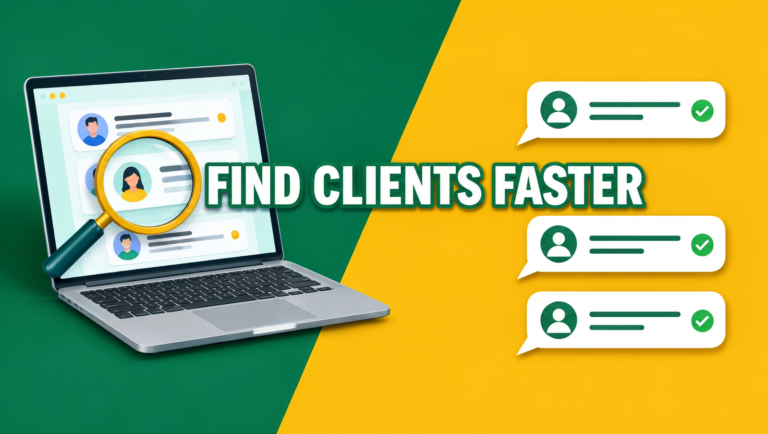
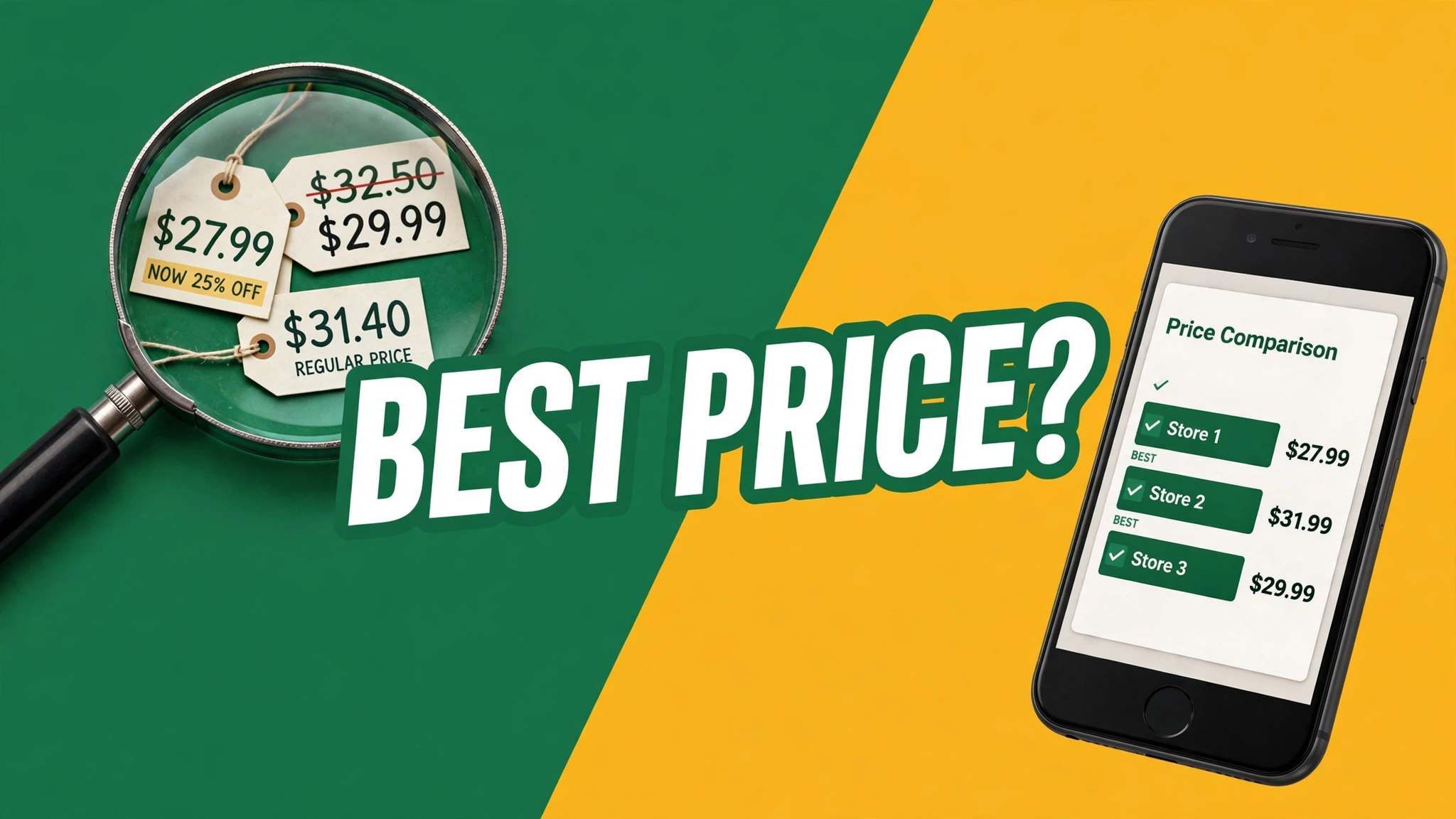
Most of these tools work the same way. You install a browser extension, or you paste a product link into a website or app, and the tool does three things. First, it searches other stores for the same product and shows you the prices side by side, including shipping — because a cheaper price with expensive shipping is not cheaper. Second, it shows the price history: what the product cost a month ago, three months ago, and during the last big sale. Third, some tools use that history to predict whether the price is likely to drop soon, or to warn you that the current “discount” is higher than the price was last month.
The smarter ones go further. Some read the product page and flag when the listed “was” price was never the real selling price — the classic fake discount. Some watch a product you care about and send you an alert when it falls below a price you set. You do not need to understand how the AI works to use any of this; you only need to know what question to ask it: what is this really worth, and where is it cheapest today?
What These Tools Can (and Can’t) Do
What they do well is comparison and history. They are excellent at answering “am I overpaying right now?” and “has this been cheaper before?” They are good at catching inflated sale prices, and at finding a better price on the exact same item from a store you would not have checked. For standard products — electronics, software, office gear, branded tools — the results are usually reliable, because the same product with the same model number appears in many stores.
What they cannot do is judge quality or fit. A price tool can tell you that a $40 microphone is cheaper than a $120 one, but it cannot tell you whether the $40 one sounds good enough for your clients. It also struggles with services, custom work, and anything sold by only one seller. And the price prediction feature is a guess, not a promise: it is based on past patterns, and a store can change its price for reasons no pattern predicts. Use the tool to find the facts, then make the judgement yourself.
Free vs Paid Price Comparison Tools
Most price comparison tools are free, and for most side hustlers the free version is enough. Free tools usually cover the basics: comparing prices across stores, showing price history, and sending a simple price-drop alert. They make their money from referral links — if you buy through their link, the store pays them a small amount — which costs you nothing extra, but it is worth knowing, because a tool that earns from sales has a reason to show you stores that pay it.
Paid versions, usually a few dollars a month, add unlimited alerts, more tracked products, price predictions, and sometimes coupon finding at checkout. Pay for one only if you buy gear or software often enough that the extras save you real money — if you buy one thing a quarter, the free version is enough.
A note on privacy: these tools work by seeing the pages you visit and the products you look at. Read the permissions before you install a browser extension, and stick to well-known tools with clear privacy pages. A price tool from a company you have never heard of, asking to read all your browsing data, is not worth the saving.
Using Price Tools for Your Side Hustle
The best use is before you buy business gear and software. When a tool you use offers an annual discount, run the price through a comparison tool first — it may be cheaper from a reseller, or the “discount” may be the regular price. When you need a new microphone, camera, or monitor, compare the same model across three or four stores and check the price history before you click buy; a product that drops in price every few weeks is worth waiting for.
The second use is setting alerts for things you will need soon but not today. If you know you will need a new laptop in two months, set a price alert now and let the tool tell you when it drops, instead of checking the price yourself every week. The third use is protecting your own prices: if you sell products, a quick comparison shows what competitors charge for similar items, which helps you price your own work fairly instead of guessing. One habit makes all of this work: check the price history before every purchase over about $50 — it takes thirty seconds and catches the most fake discounts.
Watch Out for These Traps
A low price is not always a good deal. Watch for stores you do not recognise selling a popular item far below every other price — that can be a counterfeit, a grey-market import with no warranty, or a store that never ships. Check the seller’s reviews and whether the warranty still applies before you buy from an unknown store just because the price is lowest.
Also watch for tools that only compare stores that pay them. If a tool’s results always favour the same two or three big retailers, try a second tool and compare the results. And remember that the cheapest total price includes shipping, taxes, and return costs — a tool that shows the headline price without those is only doing half the job.
FAQ
Are AI price comparison tools free?
Most are free for the basics — comparing prices, showing price history, and simple alerts. Paid versions add more alerts and predictions, but a beginner buying gear a few times a year rarely needs them.
Can these tools spot fake Black Friday discounts?
Yes — that is one of their best uses. The price history shows what the product actually sold for in the months before the sale, so you can see whether the “was” price was real or inflated.
Do price comparison tools work for software and subscriptions?
They work best for products with a standard price across stores, like electronics and gear. For software, they can still help by comparing annual plans and flagging renewal price jumps, but subscription pricing varies more, so check the vendor’s own pricing page too.
Is it safe to install a price comparison browser extension?
Usually, yes, if it comes from a well-known company with a clear privacy policy. Read the permissions first — the extension needs to see product pages to work — and avoid unknown tools that ask to read all of your browsing data.
IncomeXP publishes practical, hype-free guides to earning more — no promises, just information you can use.