AI Tools That Sort Receipts and Expenses at Year-End
AI tools that sort receipts and expenses can turn a shoebox of paper and a camera roll full of photos into a clean, organised list in a single afternoon — which is exactly what most side hustlers need in December. Instead of typing every receipt into a spreadsheet by hand, you photograph or forward the receipt, and the tool reads the date, the seller, and the amount, then files it under the right category. It does not do your taxes for you, and it is not magic, but for a side hustle with a year’s worth of small purchases, it saves hours of boring work at the worst time of year to do it.
How AI Tools That Sort Receipts and Expenses Actually Work
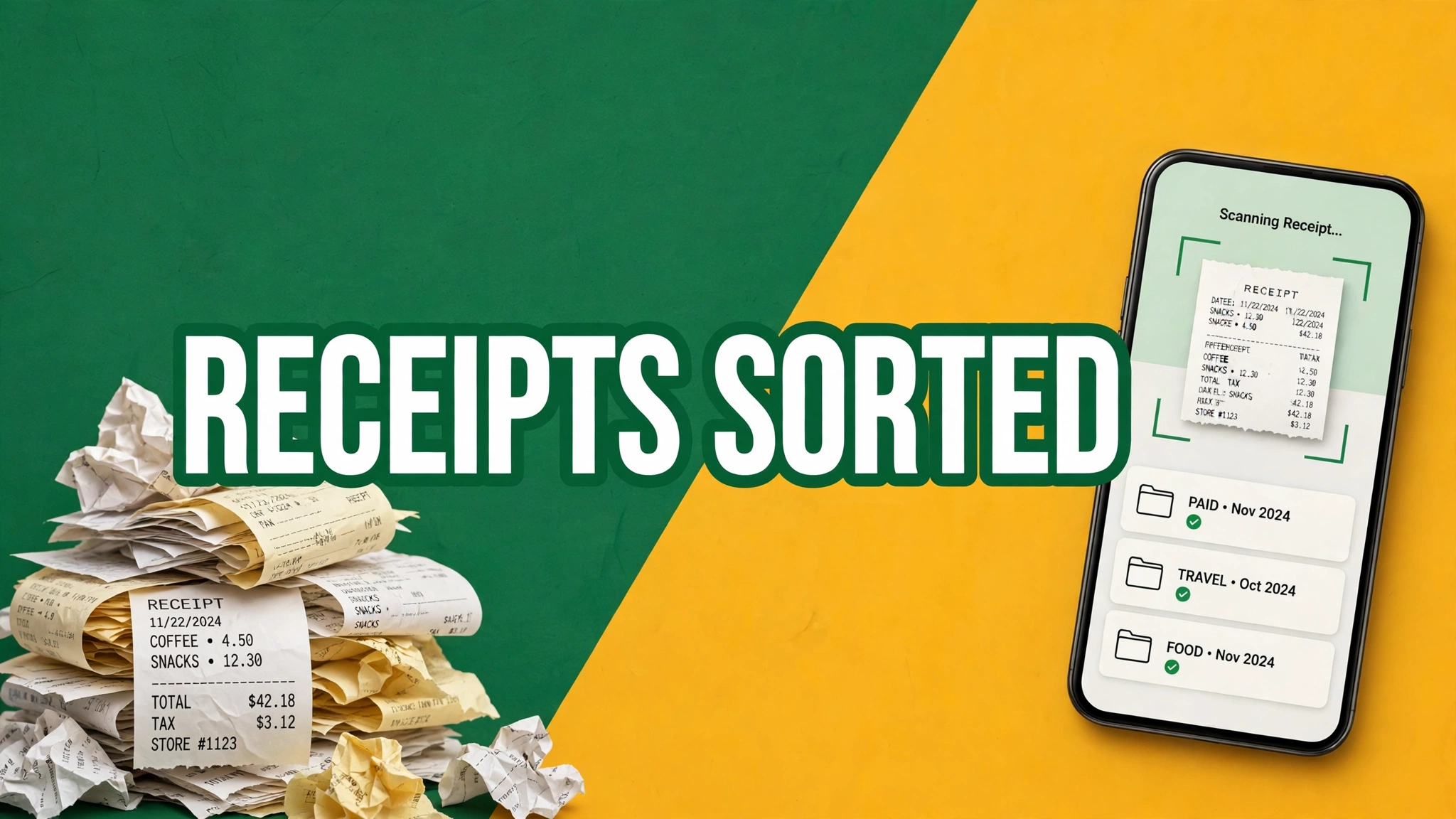
The core of these tools is simple. You give them a receipt — a photo, a scan, or a forwarded email — and the software reads the text on it. It picks out the shop name, the date, the total, and often the individual items, then it puts the receipt into a category like supplies, travel, or software. Some tools learn from your corrections: if you move a receipt from “general” to “office supplies” once, they usually get it right next time.
Most of them work in one of three ways. Some are phone apps where you snap a photo the moment you buy something. Some connect to your email and pull receipts out of your inbox automatically. And some connect to your bank or card and match receipts to transactions, so you can see which purchases still need a receipt attached. You do not need all three — pick the way that matches how you actually collect receipts now.
What They Can and Cannot Do
These tools are good at the boring parts: reading totals, sorting by date, adding up a category, and keeping everything searchable. What they are not good at is judgement. A tool cannot tell whether a lunch was a business meeting or a personal meal. It cannot decide whether a purchase counts as a business expense — that is your call, and for tax questions you should still check with a tax professional or your local tax authority’s guidance.
They also make mistakes. A faded receipt, a crumpled photo, or an unusual shop name can be misread. Expect to check the first batch yourself and correct a few entries. After a week or two of corrections, most tools get noticeably more accurate — but never assume every entry is right without a quick look.
The Main Types of Tool
There are three kinds worth knowing about, and they suit different side hustlers.
Receipt-scanning apps. These are the simplest starting point. You photograph receipts and the app extracts the details and stores them. Examples in this category include Dext, Expensify, and Shoeboxed. They usually have a free tier for a small number of receipts a month, and a paid plan that costs roughly $8 to $25 a month for unlimited scanning. If your receipts are mostly paper, start here.
Bookkeeping apps with receipt capture built in. If you already use bookkeeping software for your side hustle, check whether it has receipt scanning included before you buy a separate tool. QuickBooks, Xero, and Wave all have receipt features — some built in, some as add-ons — and keeping everything in one place saves you from moving data between apps at year-end.
Email and inbox receipt finders. Some tools specialise in finding receipts that already live in your email: online orders, subscriptions, and digital purchases. They scan your inbox, pull out the order confirmations, and build a list of what you spent. This is useful if most of your side-hustle spending is online and you never see a paper receipt at all.
A Simple Year-End Routine That Works
You do not need to change how you run your business to use these tools. The routine that works for most side hustlers has four steps, and you can do it in one afternoon in December.
- Gather everything first. Pull together paper receipts, your email confirmations, and your bank or card statements for the year. Do not sort anything yet — just get it all in one place.
- Scan or forward in batches. Work through the pile in groups of twenty. Photograph paper receipts with the app, and forward email receipts to the tool’s special email address if it has one. Doing it in batches keeps it manageable.
- Check and correct. Go through the tool’s list and fix anything it misread — wrong dates, wrong totals, receipts in the wrong category. This is the step people skip, and it is the step that matters most.
- Export a clean list. Export the year’s expenses as a spreadsheet or a report, grouped by category, and save it with your other year-end records. Now you have one tidy file instead of a pile of paper.
Do this once in December and once in January for anything that arrives late, and your year-end records are done.
How Much Do They Cost?
Most receipt tools have a free tier that covers a small number of scans a month — often 10 to 25. That is enough to test whether the tool reads your receipts well, but not enough for a full year of backlog. Paid plans for individuals and small side hustles typically run about $8 to $25 a month, or less if you pay yearly.
Before you pay, check two things. First, does your bookkeeping app already include receipt scanning? If it does, you may not need a separate tool at all. Second, does the free tier cover your December clean-up? If you only need to sort one year’s receipts, a free trial or a single month of a paid plan may be all you need.
Picking the Right One for Your Side Hustle
The right tool depends on how you spend. If your receipts are mostly paper from shops and markets, a scanning app is the best fit. If most of your spending is online subscriptions and software, an email receipt finder saves more time. If you already pay for bookkeeping software, use its built-in feature first and only add a separate tool if it falls short.
A few practical checks before you commit: make sure the tool exports to a spreadsheet you can keep, make sure you can cancel monthly, and make sure your data can be exported if you leave. Your receipts are your records — never use a tool that locks them in and will not let you take them out.
FAQ
Do AI receipt tools replace an accountant?
No. They organise your records and save you typing, but they do not give tax advice or decide what counts as a business expense. For tax questions, talk to a tax professional.
How accurate are AI tools that sort receipts and expenses?
Usually good on clear, printed receipts — the total, date, and seller are read correctly most of the time. Faded, handwritten, or crumpled receipts are misread more often, so always check the results before you rely on them.
Can I sort a whole year’s receipts in December?
Yes, if you set aside an afternoon. Scan in batches of twenty, correct as you go, and export the finished list. Most side hustlers finish a year’s backlog in two to four hours.
Is there a free way to do this?
Most tools have a free tier for a small number of receipts a month, and your bookkeeping app may already include scanning. A free tier plus a spreadsheet is enough for a small side hustle — you only need a paid plan if you have a lot of receipts every month.
IncomeXP publishes practical, hype-free guides to earning more — no promises, just information you can use.